 Lab Dancer
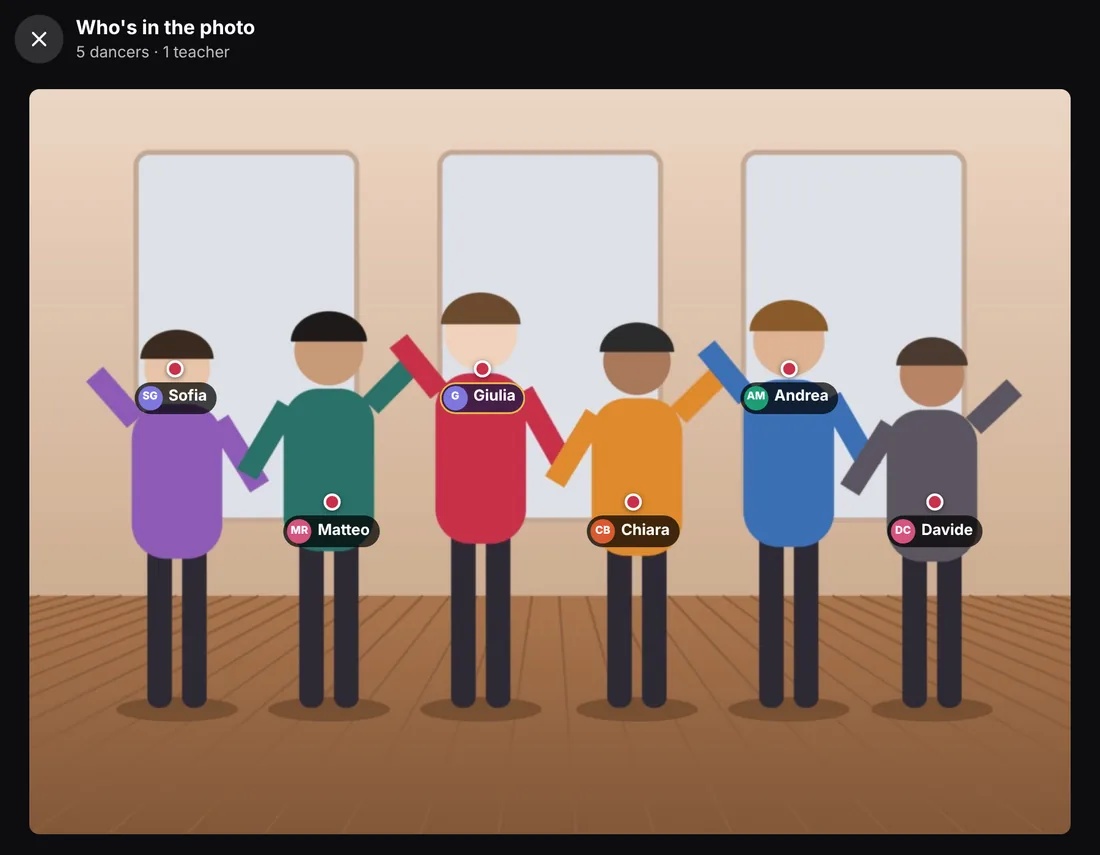
Mark who came
Mark attendance straight from the photo
After the lesson, open the group photo and tap people one at a time: choose the name and Lab Dancer adds them to the event's participants. You can mark teachers too.
1Open the photo
2Tap a person
3Choose the name
- Pick the name from a searchable list: teachers at the top, then dancers.
- Whoever you mark on the photo is added straight to the participants and to their attendance, and comes off their package if it was a private lesson.
- No photo? Choose who came from a list sorted by level; removing someone takes one tap on the ×.
Try it free for 30 days, no credit card needed. Free trial →